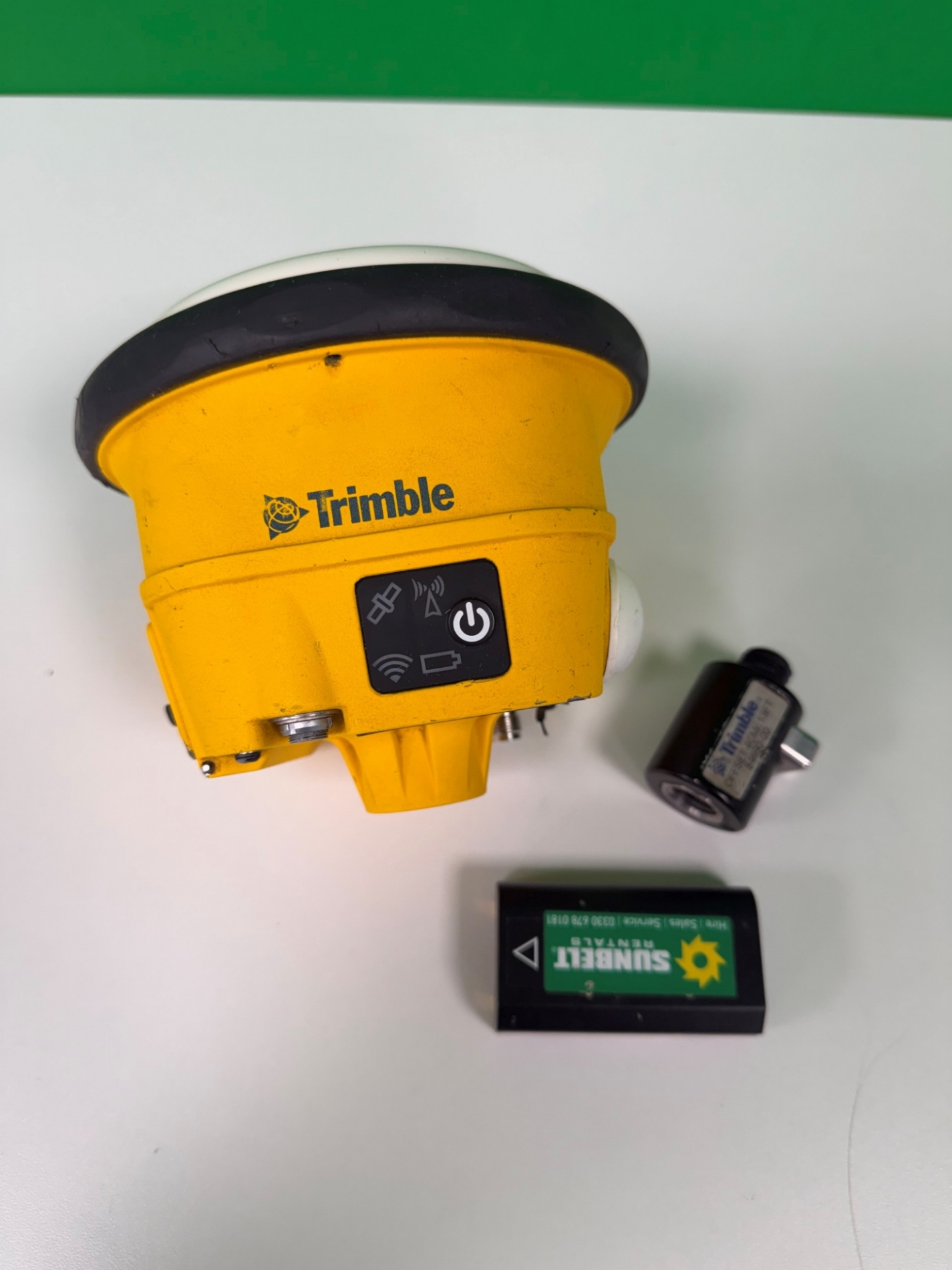
Picture of Ex Hire Fleet Trimble SPS985 Receiver Antenna Only Picture of Ex Hire Fleet Trimble SPS985 Receiver Antenna Only Picture of Ex Hire Fleet Trimble SPS985 Receiver Antenna Only

Picture of Ex Hire Fleet Trimble SPS985 Receiver Antenna Only

Picture of Ex Hire Fleet Trimble SPS985 Receiver Antenna Only Picture of Ex Hire Fleet Trimble SPS985 Receiver Antenna Only Picture of Ex Hire Fleet Trimble SPS985 Receiver Antenna Only
Trimble

Ex Hire Fleet Trimble SPS985 Receiver Antenna Only

SKU: ReconSPS985

The SPS985 GNSS antenna can be used for the following infrastructure and site development applications:

  • Layout of structure foundations, caissons, and piles
  • Earthworks, fine grading and finishing stakeout operations
  • Initial site measurements to verify design levels and regular subsequent measurements to determine progress volumes
  • Vehicular-mounted site supervisor applications
  • Measurements and grade/thickness checks on laid materials

12 Month Certificate of Conformity | Fully Calibrated | 3 Month Warranty

Back

£2750.00 Ex. VAT Inc. VAT

In stock
Picture of Ex Hire Fleet Trimble SPS985 Receiver Antenna Only Ex Hire Fleet Trimble SPS985 Receiver Antenna Only £2750.00 Ex. VAT

Detailed Description

The GNSS smart antenna incorporates a GNSS antenna, receiver, internal radio, and battery in a rugged light-weight unit that is ideally suited as an all-on-the-pole RTK rover or quick setup/rapid mobilization base station. LEDs enable you to monitor satellite tracking, radio reception, data logging status, Wi-Fi, and power. Bluetooth wireless technology provides cable-free communications between the receiver and controller.

You can use the SPS985 smart antenna as part of an RTK GNSS system with the Trimble Siteworks™ or SCS900 Site Controller software. The receiver can optionally record GPS data to the receiver’s optional internal memory and download to a computer using the serial connection.

The GNSS smart antenna has no front panel controls for changing settings. To configure these receivers:

  • In real time, use external software such as the SPS web interface, HYDROpro™ construction software, or the WinFlash utility.
  • Use an application file. To edit an application file, use the Configuration Toolbox utility.

Features & Benefits

Technical Specification

Document Download

What's In The Box

1x SPS985 Receiver 
1x SPS985 Battery 
1x Quick Release 

No case available 

Need some help?